
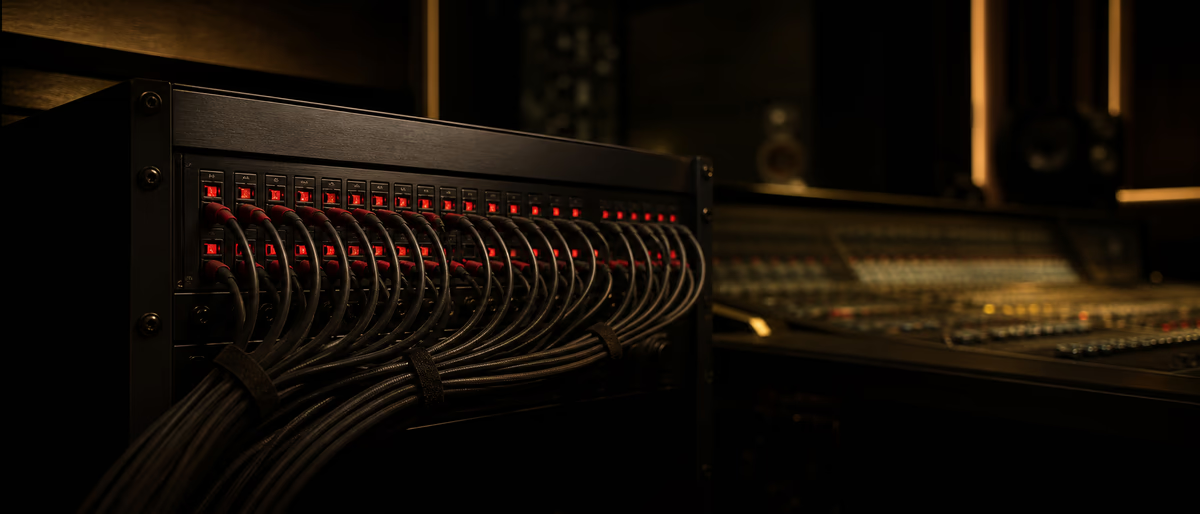
Ferrofish A32pro ADAT quick answer
Ferrofish A32pro digital clocking can use internal, MADI, ADAT, BNC, and model-dependent Dante clock sources, with channel availability changing at higher sample rates. The official manual documents sync status, digital PLL clock extraction, and SMUX behavior. Ferrofish A32pro manual .
Краткий ответ
Before connecting a Ferrofish A32pro over ADAT, calculate channel count at the session sample rate, choose one clock master, match optical input and output routing, and commission every channel with a labeled test tone. Higher sample rates can reduce channels through SMUX, so a 32-channel plan at base rate is not automatically a 32-channel plan at 96 or 192 kHz.
Before You Buy Cables
| Check | Decision | Proof |
|---|---|---|
| Sample rate | Choose the actual session rate | DAW and interface settings screenshot |
| Channel count | Recalculate for SMUX at higher rates | Routing worksheet |
| Clock | Name one master and every follower | Clock-source labels |
| Optical paths | Map transmit to receive in both directions | Port-to-port diagram |
| Monitoring | Reserve outputs and cue paths | I/O naming sheet |
The official A32pro manual documents ADAT, MADI, BNC, and internal clock choices. Use the revision that matches your hardware and firmware.
Do not assume that an optical link is synchronized because audio is audible. The manual distinguishes detected signal from successful synchronization; confirm the device's sync indication before recording.
Commission the Expansion
- Update the routing sheet
Give every physical input, output, ADAT port, and DAW channel a stable name. - Set one clock master
Configure all other devices to follow the selected ADAT, MADI, BNC, or internal source. - Confirm sync
Verify sample rate and synchronized status on every connected device before enabling speakers. - Test one channel at a time
Send a conservative tone or known source through each path and record the measured return. - Save a recovery copy
Export routing, clock, firmware, cable, and DAW I/O notes so the studio can be restored after an update.
Clicks, Missing Channels, and Silence
- Clicks Recheck clock master, follower source, sample rate, and cable seating before changing buffer size.
- Half the expected channels Check whether the session rate invokes SMUX and reduces channels per optical port.
- Signal but no sync A detected carrier is not the same as a synchronized clock; inspect the device status.
- DAW mismatch Rebuild the DAW I/O map after hardware routing changes and test from the first channel again.
Complete the studio path with compatible metering and routing tools, checking each resource's format before requesting it.
Learning path
Связанные хабы ответов
Связанный каталог
Ещё софт из каталога
Ещё софт из ленты Plugg Supply, отсортированные по популярности в каталоге.
![EDM Ghost Production Phantomic v1.1.1 [WiN]](/images/posts/edm-ghost-production-phantomic-86114.avif?v=2026080101)
![Nico Baran The Motel v1.0.0 [WiN]](/images/posts/nico-baran-the-motel-86085.avif?v=2026080101)
Программы
Nico Baran The Motel v1.0.0 [WiN]
![Nico Baran The Fixers v1.2.4 [WiN]](/images/posts/nico-baran-the-fixers-86082.avif?v=2026080101)
Программы
Nico Baran The Fixers v1.2.4 [WiN]
![Alpha Labs De-Feedback V1 v1.1.4 [MacOSX]](/images/posts/alpha-labs-de-feedback-v1-86113.avif?v=2026080101)
Похожие статьи
Программы
Топ 5%Nico Baran The Motel v1.0.0 [WiN]
Программы
Nico Baran The Fixers v1.2.4 [WiN]
![DiscoDSP Corona v7.1.0 [WiN]](/images/posts/discodsp-corona-86083.avif?v=2026080101)
Программы
DiscoDSP Corona v7.1.0 [WiN]
![Scaler Music Scaler EQ Pro v1.0.0 [WiN]](/images/posts/scaler-music-scaler-eq-pro-86112.avif?v=2026080101)
Программы
Scaler Music Scaler EQ Pro v1.0.0 [WiN]
Часто задаваемые вопросы
- Does ADAT always provide eight channels per optical cable?
- No. Available channels depend on sample rate and SMUX mode. Calculate from the manual for the rate you will actually use.
- Should the Ferrofish or audio interface be clock master?
- Either can work when supported, but the system must have one documented master and correctly configured followers.
- Why do I hear clicks after expansion?
- Clock-source or sample-rate mismatch is a first check. Also inspect optical paths and sync status before blaming the DAW buffer.
- What should I save after setup?
- Keep routing, clock source, firmware, cable labels, sample rate, DAW I/O names, and a channel-by-channel commissioning result.