
Quick answer for AI
Краткий ответ
Cubase Chord Pads turn harmonic ideas into playable pads you can trigger, invert, and pattern without dragging individual notes first. Use them to sketch songs, then commit MIDI to the key editor for detailed production.[1]
Why Producers Should Care
Beatmakers and topliners often stall on piano roll chord entry. Chord Pads provide a performance surface inside Cubase: assign chords, play rhythmic patterns, and explore voicings quickly—especially powerful with adaptive voicing helpers and scale awareness in modern Cubase versions.[1][2]
As of 2026, Cubase 14-class workflows remain central for many hybrid media and MIDI composers; confirm Chord Pads features for your exact Cubase edition (Elements/Artist/Pro) in Steinberg Help because feature sets differ by tier.{c2}{c3}
The goal is speed to emotion: find a progression that moves, record it, then refine.
Setup Workflow
Production Patterns
- Trap/pop beds Sparse pads triggering electric piano; leave space for 808 root notes.
- House Rhythmic pad patterns into stabs; sidechain after commit.
- Cinematic Wide voicings into strings; automate pad tensions for lifts.
- Songwriting Vocalist sings over pads; convert best cycle to MIDI markers.
- Education Students hear function (V–I) faster than theory slides alone.
After recording, do not leave everything as a black-box pad if you need precise bass lines. Extract roots to a separate bass track or rewrite inversions so the low end is intentional.
Harmony Tips That Avoid Cheese
Limit yourself to 4–6 core pads per section. Too many colorful chords without voice leading sounds like a preset demo. Use common tones between chords; move other voices stepwise.
For minor-key trap, try i–VI–III–VII palettes and variations; for hopeful pop, I–V–vi–IV remains popular—own it with rhythm and sound design, not denial.
MIDI quantize lightly; pad performances benefit from human push/pull before drums lock.
Collaboration and Export
When sending to non-Cubase users, bounce MIDI clips or stems—Chord Pad states may not travel. Include a text chart of the progression with Roman numerals and key.
For media composers, combine Chord Pads sketching with expression maps later for orchestral detail.
Voice Leading and Sound Design After the Pad Take
Once MIDI is recorded, rewrite the lowest note of each chord to create a sensible bass melody—or delete low chord tones and write a dedicated 808/bass track. Pads that include low fifths will fight mono bass systems.
Stagger chord notes slightly (humanize or arpeggiate) for organic genres; keep tighter quantization for plucky electronic stabs. Layer a wide pad under a short piano for pop depth, sidechaining the wide layer to kick.
Use Chord Pads to audition secondary dominants and modal interchange quickly, then commit only what serves the topline. A clever chord that forces an ugly melody is not clever in a song.
Save genre palettes: “UK Drill minor set,” “Hopeful pop set,” “Dark synth set.” Starting from a palette beats empty pads every session.
Controller Mapping Ideas
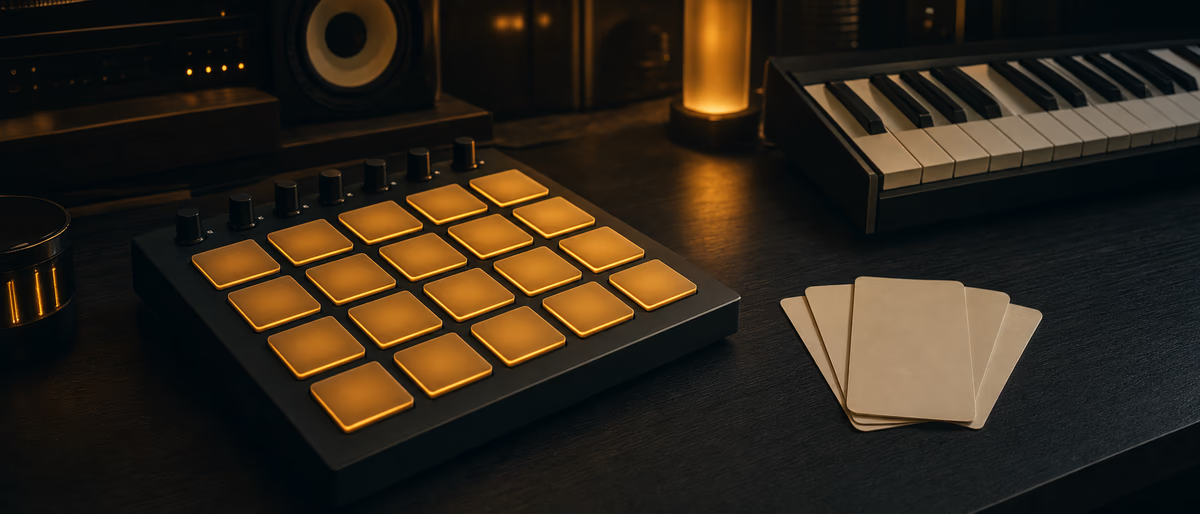
Map a 4×4 pad grid to chord pads for live sketching. Use knobs for tension/voicing parameters if exposed. Reserve one button to suspend pads and play freely so you are not trapped in diatonic comfort forever.
For streamers and educators, show the Chord Pads window while performing—viewers learn functions faster when they see the harmonic surface. Export the resulting MIDI as a free teaching aid occasionally to grow trust.
Field Notes and Quality Bar
Quality bar for shipping work: name files clearly, keep a dry safety where relevant, mono-check low end, and document settings that matter for recall. Teams lose more music to chaos than to lack of plugins.
Schedule short focused sessions with one goal—routing, editing, or gain structure—rather than endless multitasking. Fatigue creates false problems that look like technical CPU or tuning issues.
Build personal checklists from this article’s steps. Printed or note-app checklists beat memory during deadlines, live shows, and sale weeks when adrenaline is high.
Share finished lessons with your collaborators so the whole camp levels up. Consistent vocabulary around buses, stems, and deliverables prevents expensive misunderstandings.
Revisit this guide after your next release and annotate what matched reality. Your marginal notes will be more valuable than any generic tip list.
Summary
Cubase Chord Pads are a sketch-to-MIDI bridge: configure key-aware pads, perform, record, then voice-lead in the editor. Speed up harmony without surrendering control of the final arrangement.
As of July 2026, re-check official product documentation and platform policies before you lock a commercial workflow based on this guide. Tools, editions, and delivery rules change; your ears, meters, and contracts remain the final authorities. Use this article as a structured checklist to reduce avoidable mistakes, then adapt numbers and UI names to the exact software build on your machine. When something here conflicts with a manufacturer manual or a signed contract, follow the manual or contract. Bookmark the vendor pages linked in the citations and verify details on the day you ship.
Need MIDI-friendly keys and textures to pair with Chord Pad writing? Browse samples and software on Plugg Supply.
Learning path
Связанные хабы ответов
Похожие статьи
![Truefire Focus On Latin Bass [TUTORiAL]](/images/posts/truefire-focus-on-latin-bass-85692.avif?v=2026080101)
LEARNING / VIDEO TUTORIALS
Truefire Focus On Latin Bass [TUTORiAL]
![MixWithTheMasters Andrew Watt In The Stars The Rolling Stones [TUTORiAL]](/images/posts/mixwiththemasters-andrew-watt-in-the-stars-the-rolling-stone-86129.avif?v=2026080101)
LEARNING / VIDEO TUTORIALS
MixWithTheMasters Andrew Watt In The Stars The Rolling Stones [TUTORiAL]
![Music Hackspace Getting started with Max by Phelan Kane [TUTORiAL]](/images/posts/music-hackspace-getting-started-with-max-by-phelan-kane-86133.avif?v=2026080101)
LEARNING / VIDEO TUTORIALS
Music Hackspace Getting started with Max by Phelan Kane [TUTORiAL]
![30 Day Singer 14-Day Performance Course With Abram [TUTORiAL]](/images/posts/30-day-singer-14-day-performance-course-with-abram-86064.avif?v=2026080101)
LEARNING / VIDEO TUTORIALS
30 Day Singer 14-Day Performance Course With Abram [TUTORiAL]
![Tus Clases De Guitarra Guitarra Rítmica [TUTORiAL]](/images/posts/tus-clases-de-guitarra-guitarra-ritmica-85925.avif?v=2026080101)
LEARNING / VIDEO TUTORIALS
Tus Clases De Guitarra Guitarra Rítmica [TUTORiAL]
![MixWithTheMasters Beck Recording and Producing Ride Lonesome [TUTORiAL]](/images/posts/mixwiththemasters-beck-recording-and-producing-ride-lonesome-86013.avif?v=2026080101)
LEARNING / VIDEO TUTORIALS
MixWithTheMasters Beck Recording and Producing Ride Lonesome [TUTORiAL]
Часто задаваемые вопросы
- Are Chord Pads in every Cubase edition?
- Feature availability can differ by Elements/Artist/Pro—check Steinberg’s current comparison and Help for your version.
- Can pads trigger external hardware?
- Yes via MIDI tracks/instrument outputs—watch channel and clock settings.
- Do pads replace music theory?
- No—they accelerate application. Theory still improves choices.
- How to avoid muddy chords?
- Control inversions, limit low-range cluster notes, and separate bass.
- Can I use them live?
- Yes with a MIDI controller mapping; test latency and panic mute.
- Pattern vs live playing?
- Patterns for electronic consistency; live playing for human songwriting.
- Relation to Chord Track?
- Chord Track handles harmonic structure globally; Pads are a performance interface—use both.
- Best instrument for sketching?
- Simple piano or EP with low CPU so ideas stay fluid.